The Short Answer
Often, yes: a compatible E14 smart bulb can adjust its own brightness through an app, remote or smart-home integration when it receives continuous power. But the lamp itself does not become a dimmable fixture. The physical switch remains an on/off control, and remote features stop working when that switch cuts power.
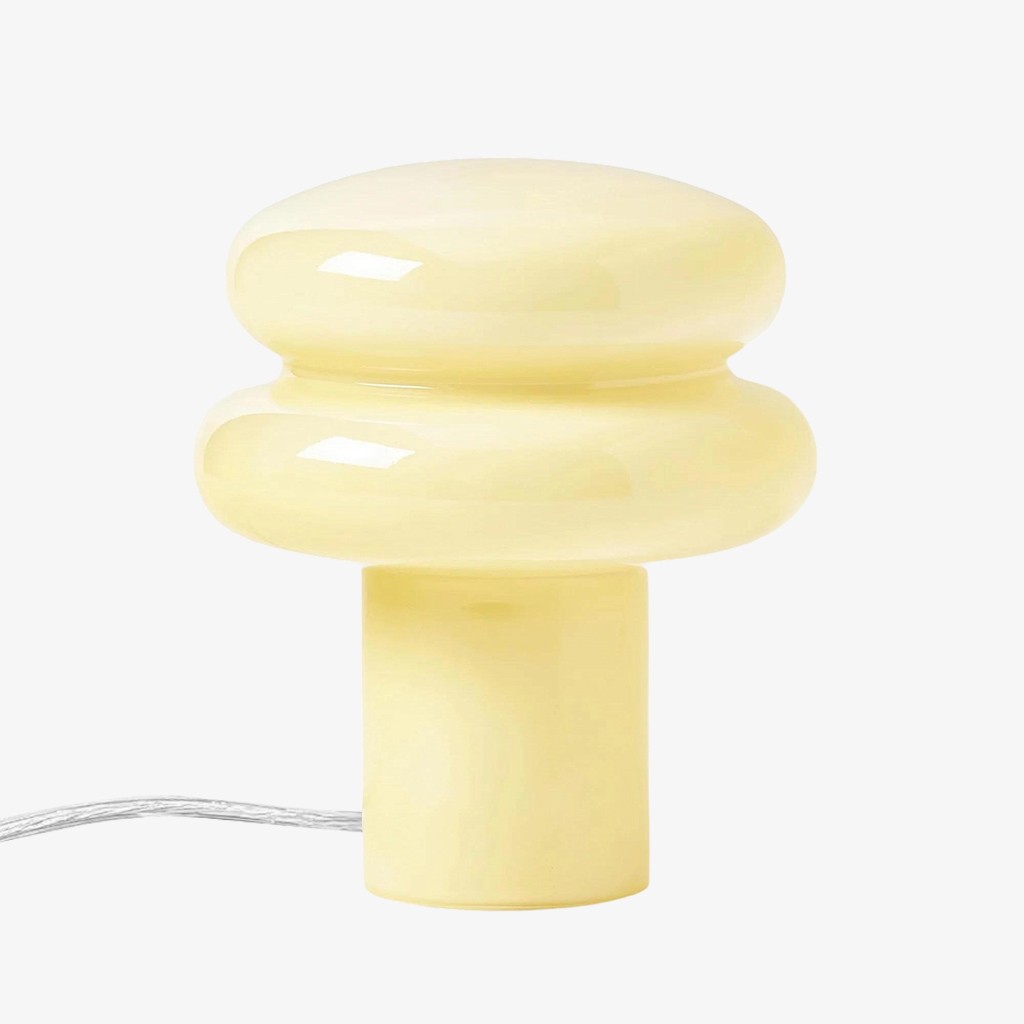
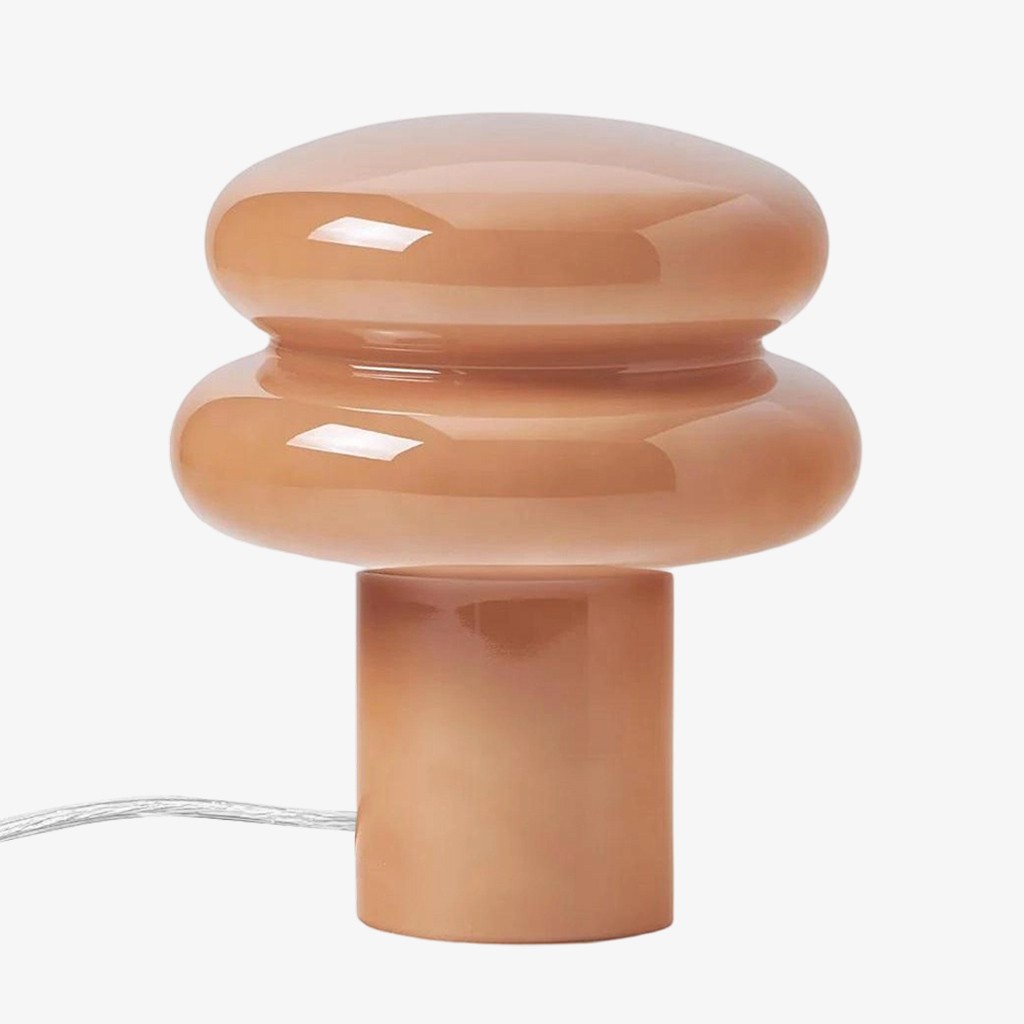
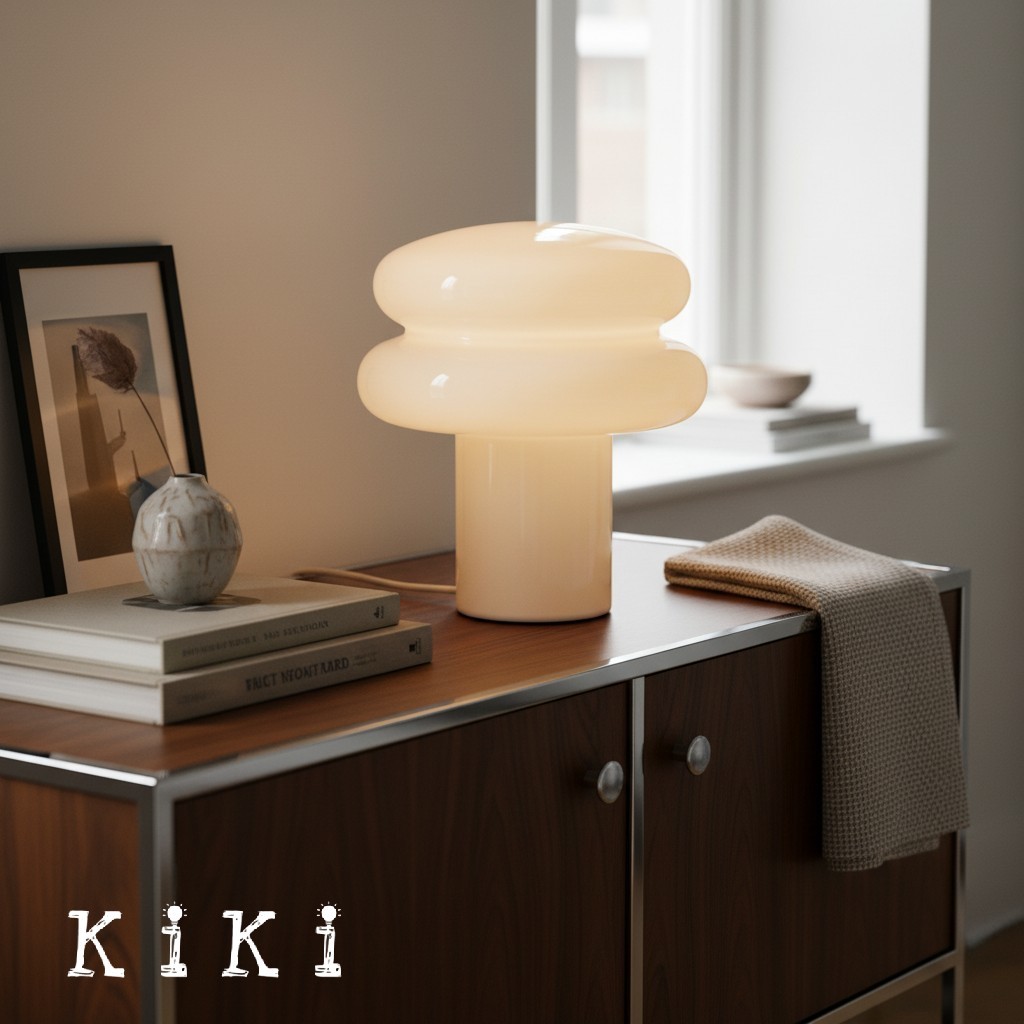
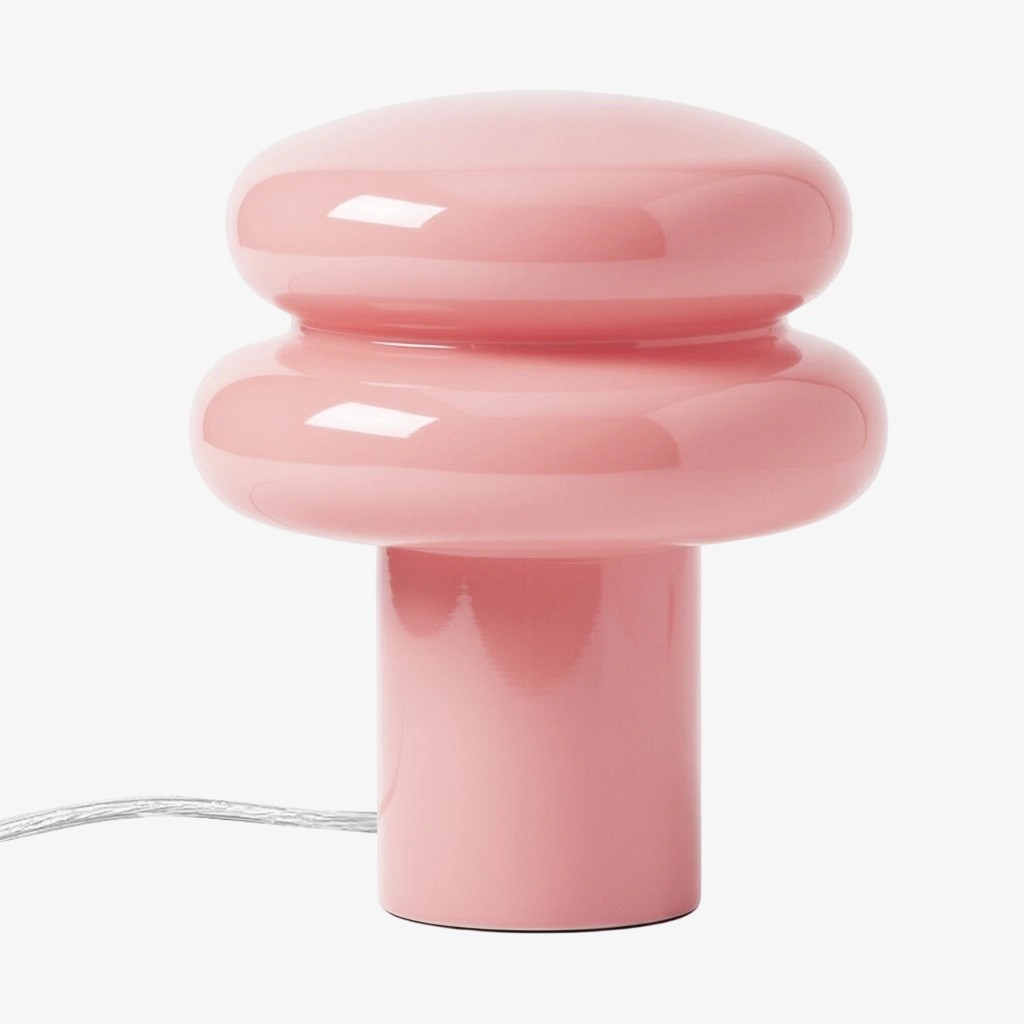
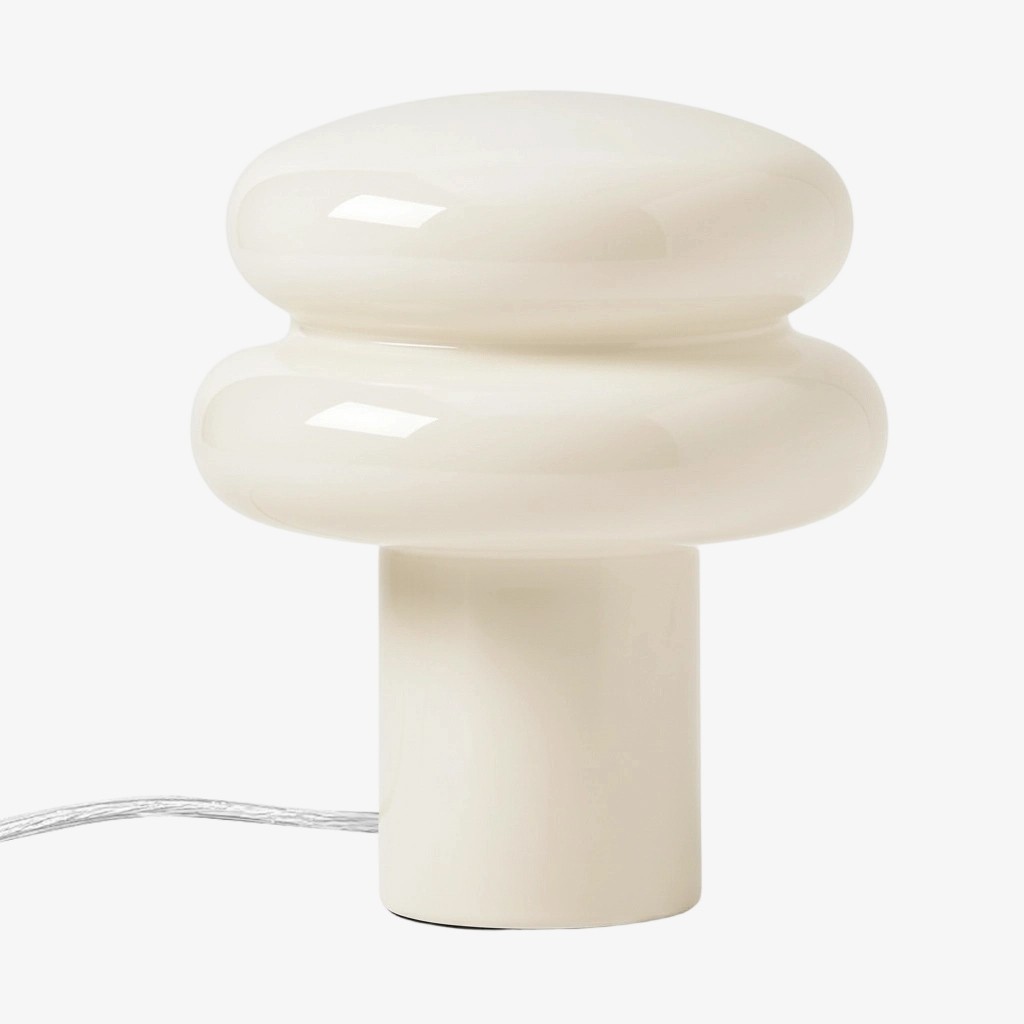
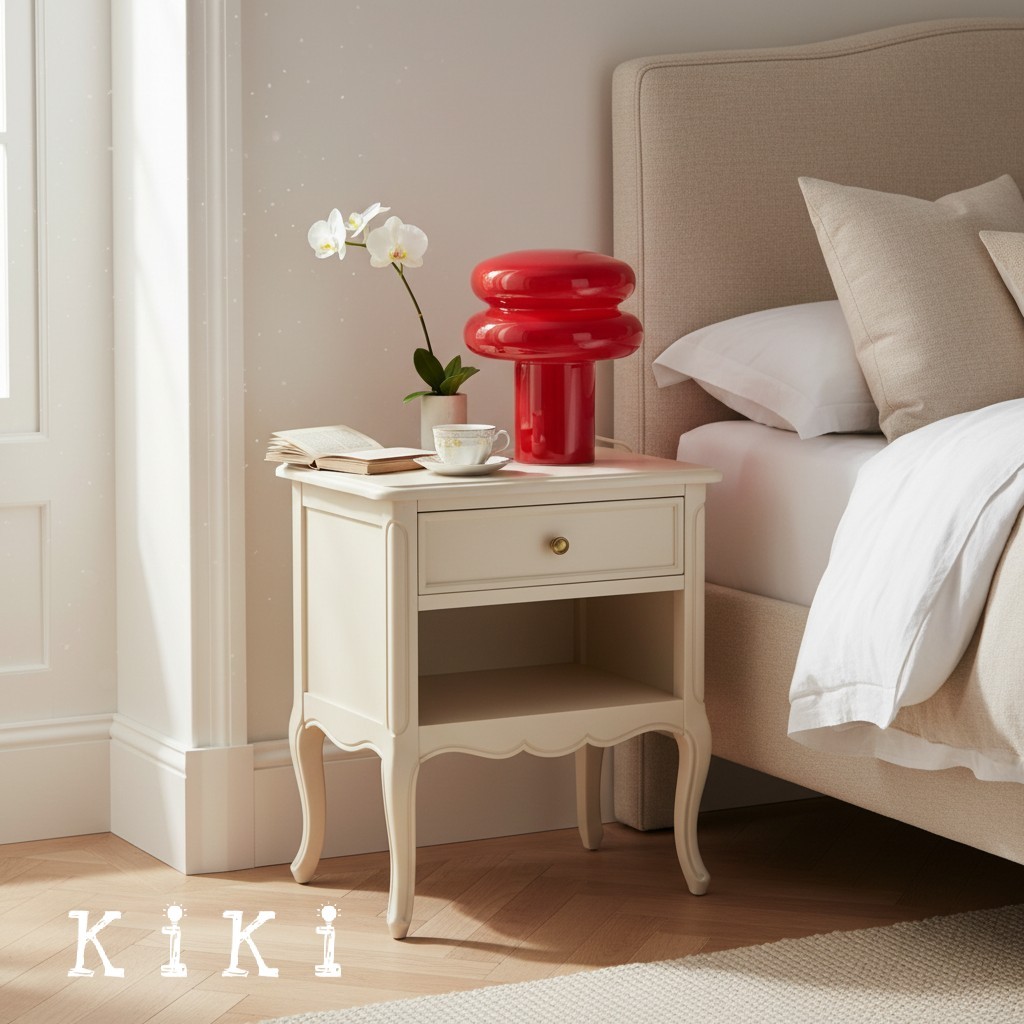
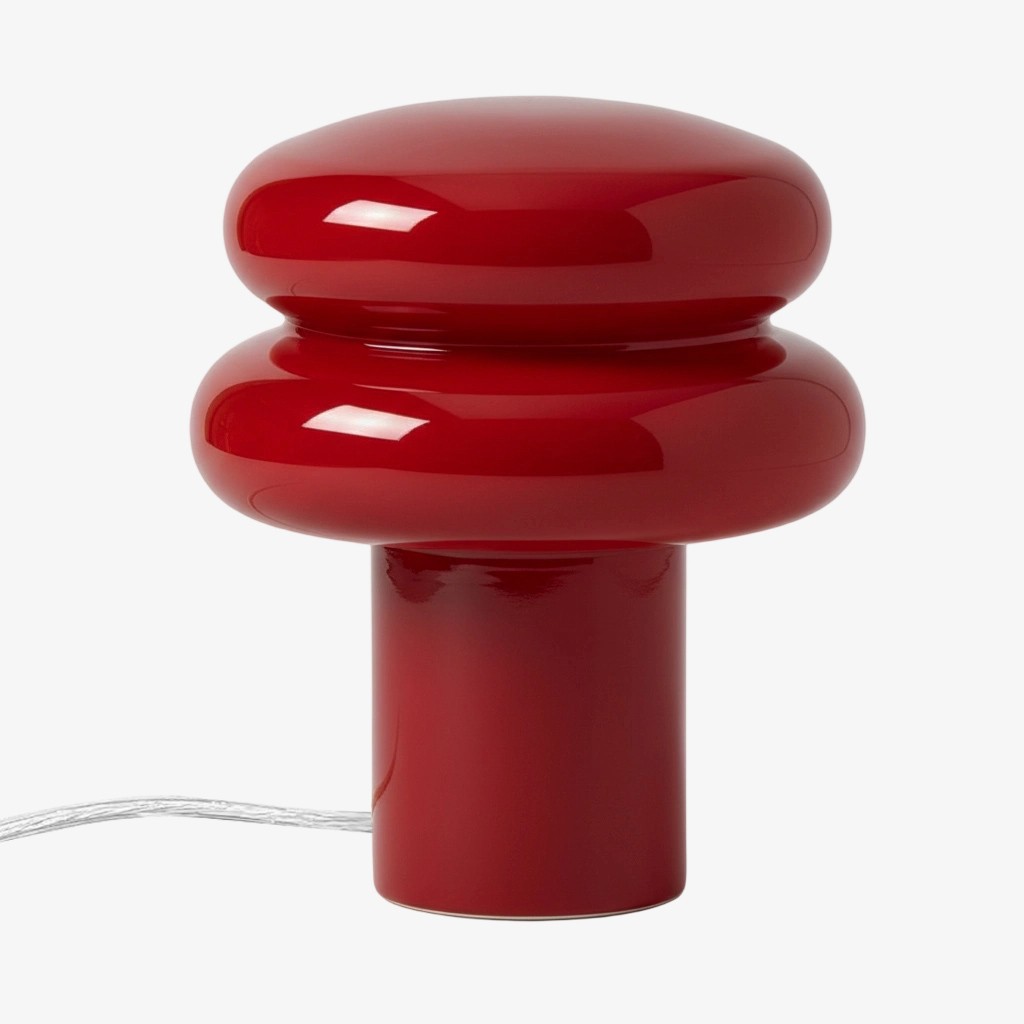
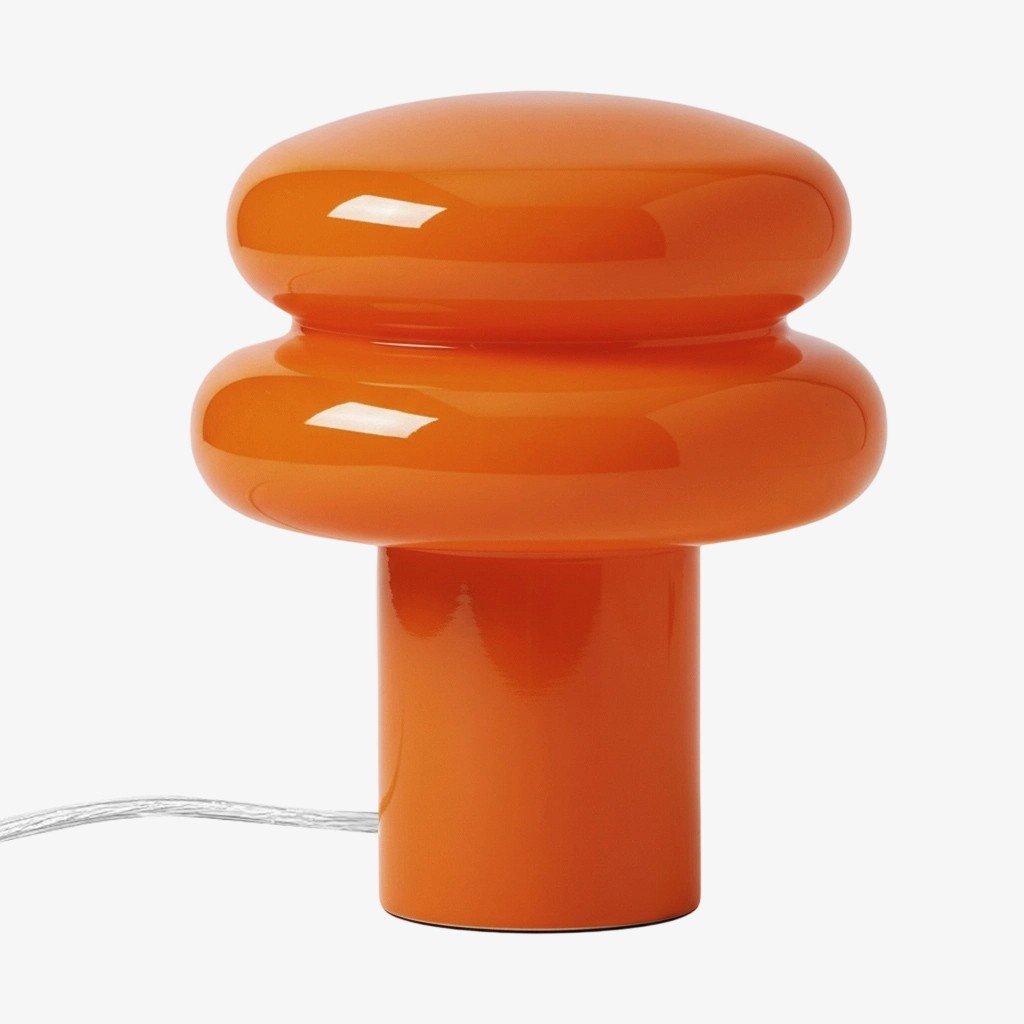
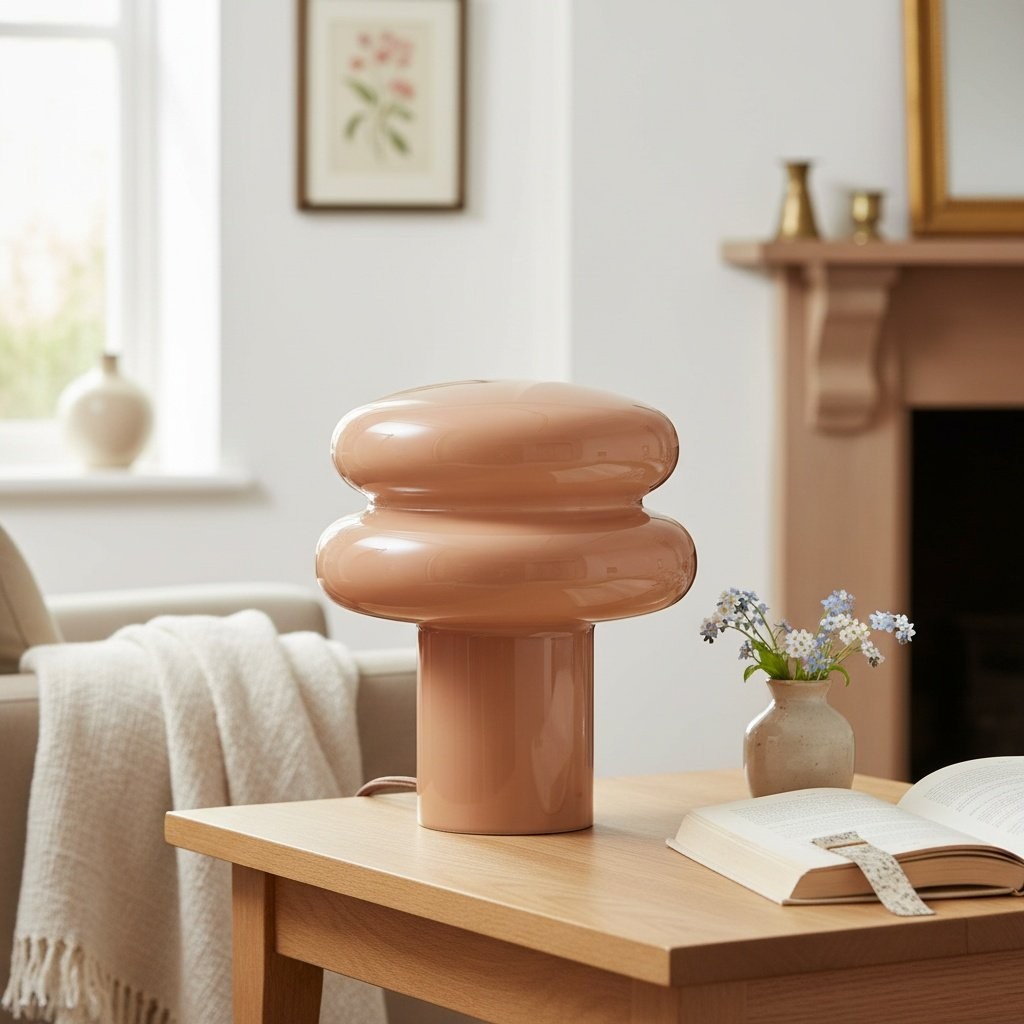
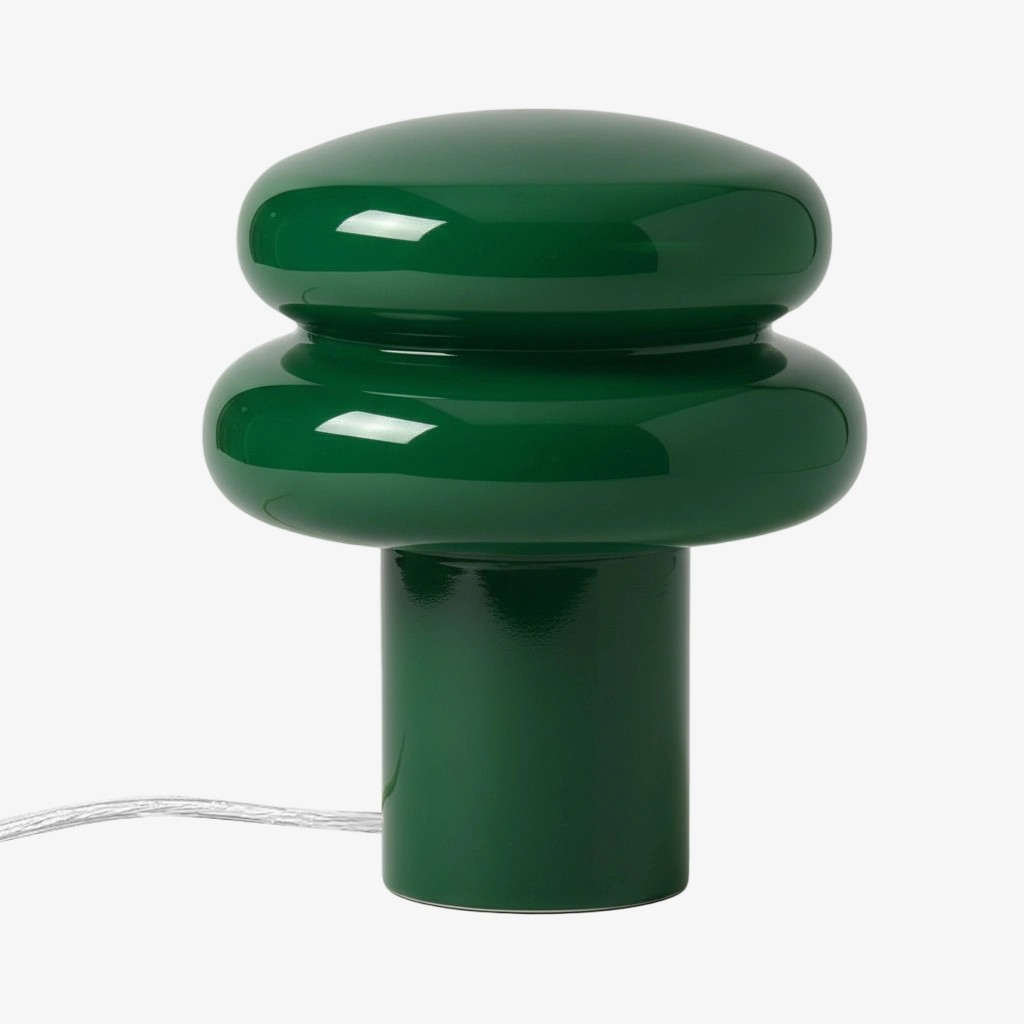
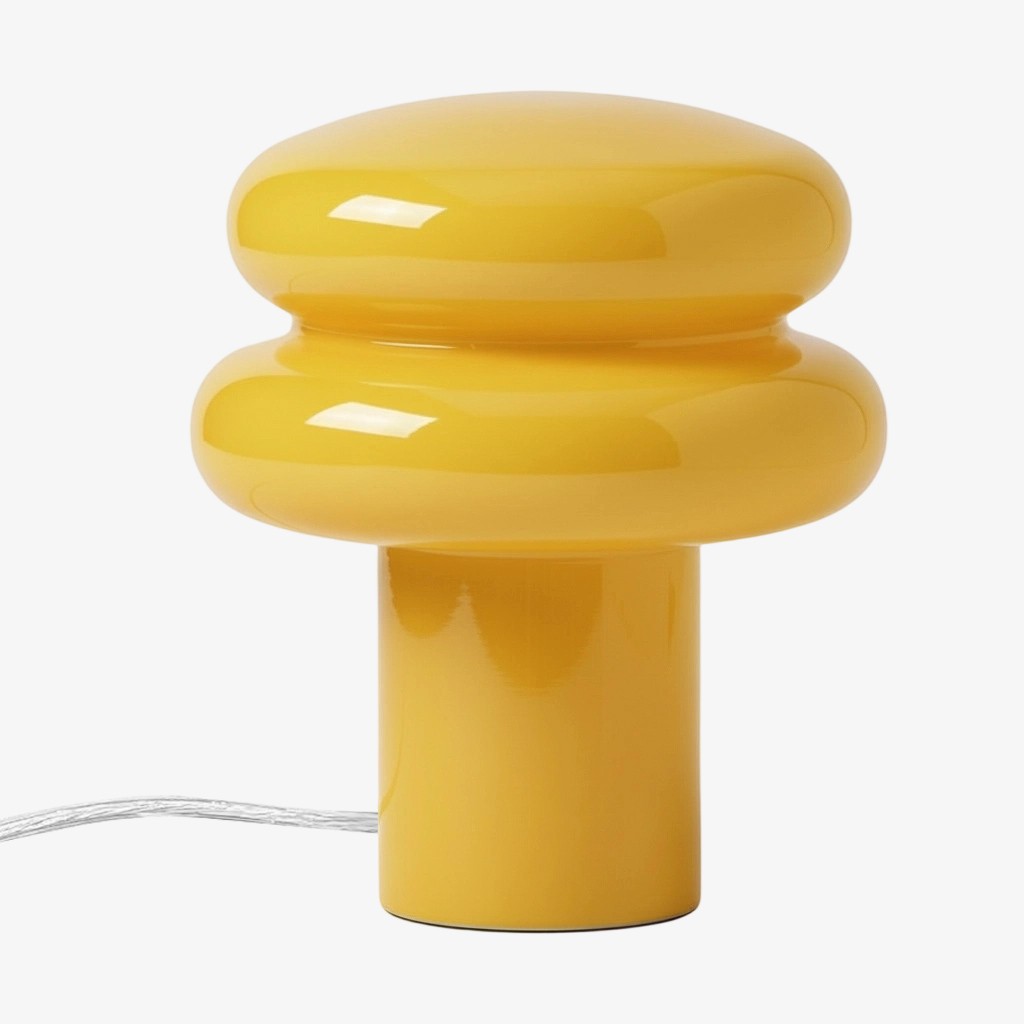
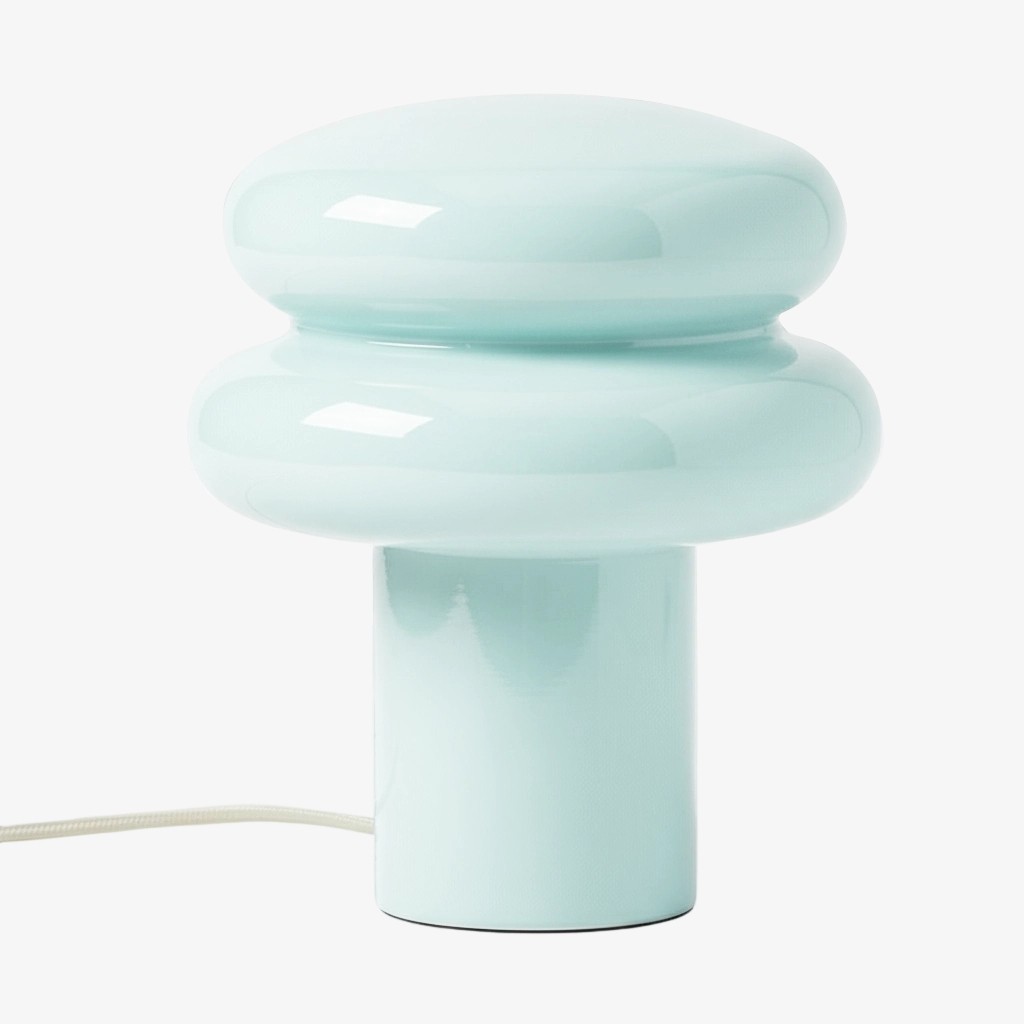
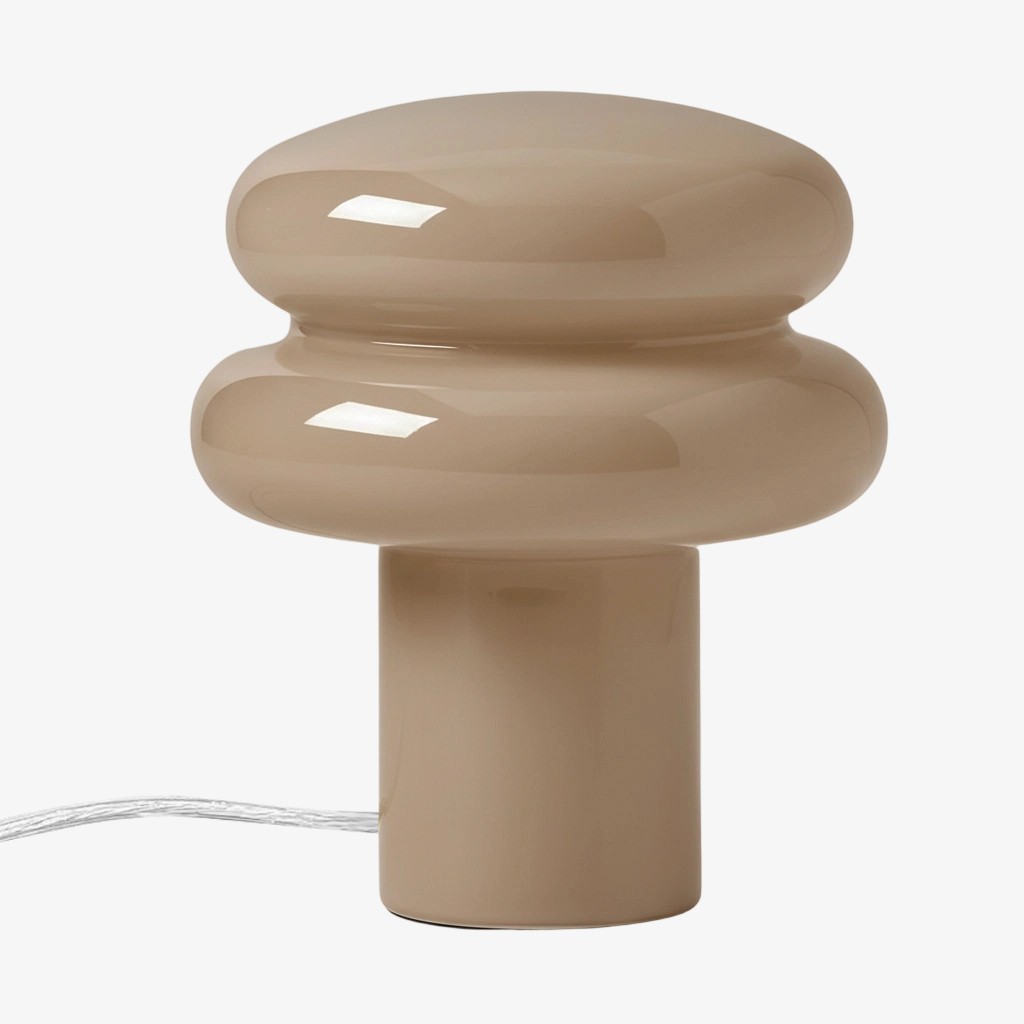
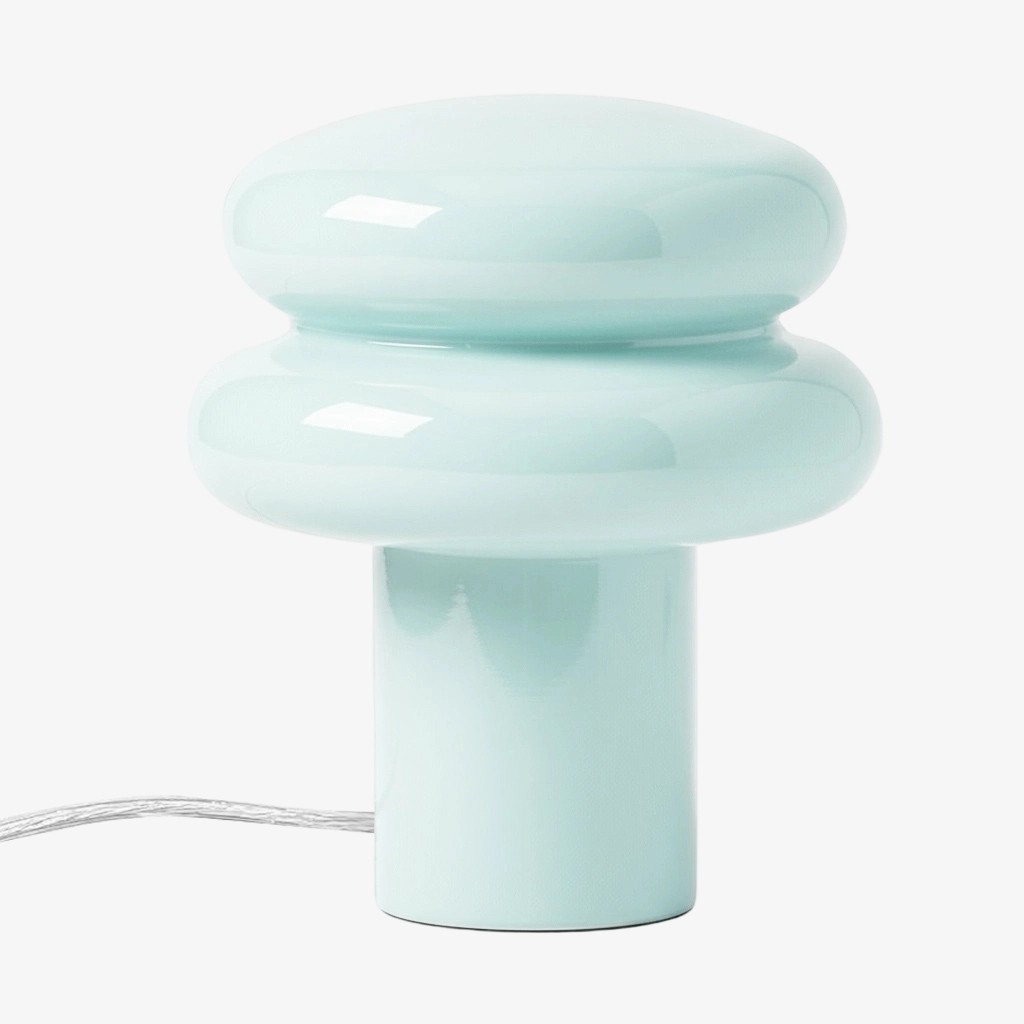
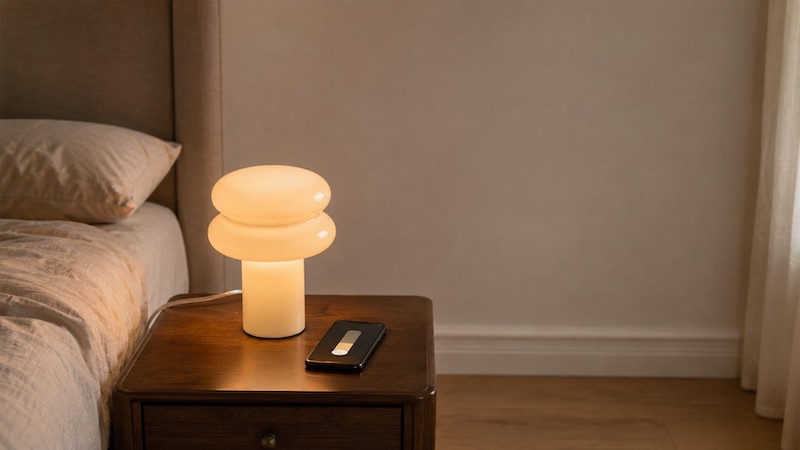
The Orra Mushroom Glass Table Lamp is verified as an E14 glass lamp with a push-button switch and a non-dimmable fixture. The bulb is not included. That means the smart decision belongs to the bulb and control system, while the lamp’s on/off specification stays unchanged.
What Non-Dimmable Means on This Lamp
“Non-dimmable” describes the fixture’s intended control method. The Orra’s push-button switch supplies or removes power; it is not a wall dimmer and it does not provide a gradual output range for a standard bulb. A smart bulb may contain its own electronics for brightness control, but that is a feature of the bulb, not a retrofit of the lamp wiring.
This distinction matters because it prevents two opposite mistakes. You do not need to reject every smart bulb simply because the fixture is labelled non-dimmable, but you also should not connect the lamp to a hardware dimmer and assume the smart bulb will tolerate it.
How a Smart Bulb Dims Without a Fixture Dimmer
A smart bulb receives ordinary power and uses its internal driver and control electronics to change light output. The app or integration sends a command over the bulb’s supported network. The lamp’s job is to hold the bulb safely and provide a stable on/off supply.
This is why the system can work in a conventional table lamp, provided the bulb maker allows that use and the bulb fits the socket, voltage and thermal conditions. The feature set varies by brand: some bulbs need a hub, some connect directly to Wi-Fi or Bluetooth, and colour control is not universal.
The Physical Switch Must Stay On
A smart bulb cannot receive app commands while its lamp switch is off. For remote dimming, leave the push-button switch in the on position and use the app, voice assistant or compatible remote for daily control. Put the lamp where accidental switch-off is unlikely, or use a clearly understood routine for everyone sharing the room.
Government smart-lighting guidance notes that networked products may need to remain in standby to stay controllable and that the control device and router must be compatible. Expect a small standby load and check the bulb maker’s power-restore behaviour after an outage.
Do Not Assume a Hardware Dimmer Is Compatible
A traditional hardware dimmer changes the current delivered to the socket. That is a different control method from a smart bulb’s internal electronics. Some manufacturers explicitly prohibit using their smart bulbs on hardware dimmers because unstable or reduced current can cause flicker, buzzing, resets or unreliable operation.
The safe rule is to follow the exact smart-bulb instructions. If the bulb maker does not approve a hardware dimmer, use a standard full-power on/off circuit and dim in the app. Do not wire around a dimmer or open electrical connections as a home experiment.
Check E14, Voltage, Fit, Heat and Network Requirements
The five checks are simple but easy to skip when the word “smart” is doing all the selling. Confirm the E14 base, measure the bulb envelope, match voltage, read enclosure and heat guidance, then check the network or hub requirements. A smart bulb that cannot fit inside the opal shade is not a successful smart-lighting solution.
Article B2-1 explains how to separate socket compatibility from physical fit. Article B2-2 can help you choose a brightness level once the bulb is installed, but do not confuse app brightness percentages with lumens: a percentage is a control setting, not a universal output measurement.
Smart Bulb vs Smart Plug vs Inline Switch
A smart bulb changes light output and often colour. A smart plug usually controls whether the lamp receives power, so it is useful for schedules or remote on/off but does not automatically provide bulb-level dimming. An inline switch can add remote on/off control, but its electrical compatibility and installation requirements are product-specific.
Choose the control point that matches the job. If you want brightness changes, start with a dimmable smart bulb. If you only want a schedule, a smart plug may be enough. If the lamp will be used by someone who relies on a physical button, preserve a simple manual fallback rather than creating a system that is only controllable from a phone.
Plan for Wi-Fi, App and Power-Restore Behaviour
Smart control adds a small system to a simple lamp. Before buying, check whether the bulb works with your phone, router, hub and voice platform. Ask what happens after the power is interrupted: some bulbs restore their last state, some turn on, and some need a manual reset or app connection.
Keep the manufacturer instructions with the lamp record. If the network is unavailable, the lamp should still have a safe and understandable fallback. The Orra’s physical button can provide that fallback, but only if the household agrees when it should be used and understands that turning it off disables remote control.
The Safe Decision Checklist
An E14 smart bulb is a reasonable option for the Orra when the bulb is physically and electrically compatible, the manufacturer allows the lamp environment, the fixture can remain powered, and the household accepts app-based brightness control. It is not a reason to claim the lamp itself has become dimmable.
If any one of those conditions is unclear, use a standard E14 LED bulb and treat the lamp as the reliable on/off ambient layer it was designed to be. You can revisit smart control after the missing specification is confirmed.
Frequently Asked Questions
Can a smart bulb dim a lamp marked non-dimmable?
A compatible smart bulb may dim itself through its app while continuously powered. The fixture remains a non-dimmable on/off lamp.
Does the physical switch need to stay on?
Yes, for remote or app control. Turning the switch off cuts power to the smart bulb.
Can I put the smart bulb on a wall dimmer?
Only if that exact bulb manufacturer explicitly approves the combination. Many smart bulbs are not compatible with traditional hardware dimmers.
Will a smart plug dim the lamp?
Usually no. A smart plug normally controls power on/off. Brightness control comes from a compatible dimmable smart bulb or approved control system.
What happens after Wi-Fi or power is interrupted?
Behaviour varies by brand. Check the bulb’s power-restore and offline-control instructions before relying on it for bedside lighting.